top of page




How to use the Join Face and Algorithmic Modeling command to create a really cool model
How to use the Join Face and Algorithmic Modeling command to create a really cool model
Apr 10

The Combine Command. Very cool!
Using this very powerful command, one can automatically trim a number of surfaces simultaneously and form a solid.
Apr 9
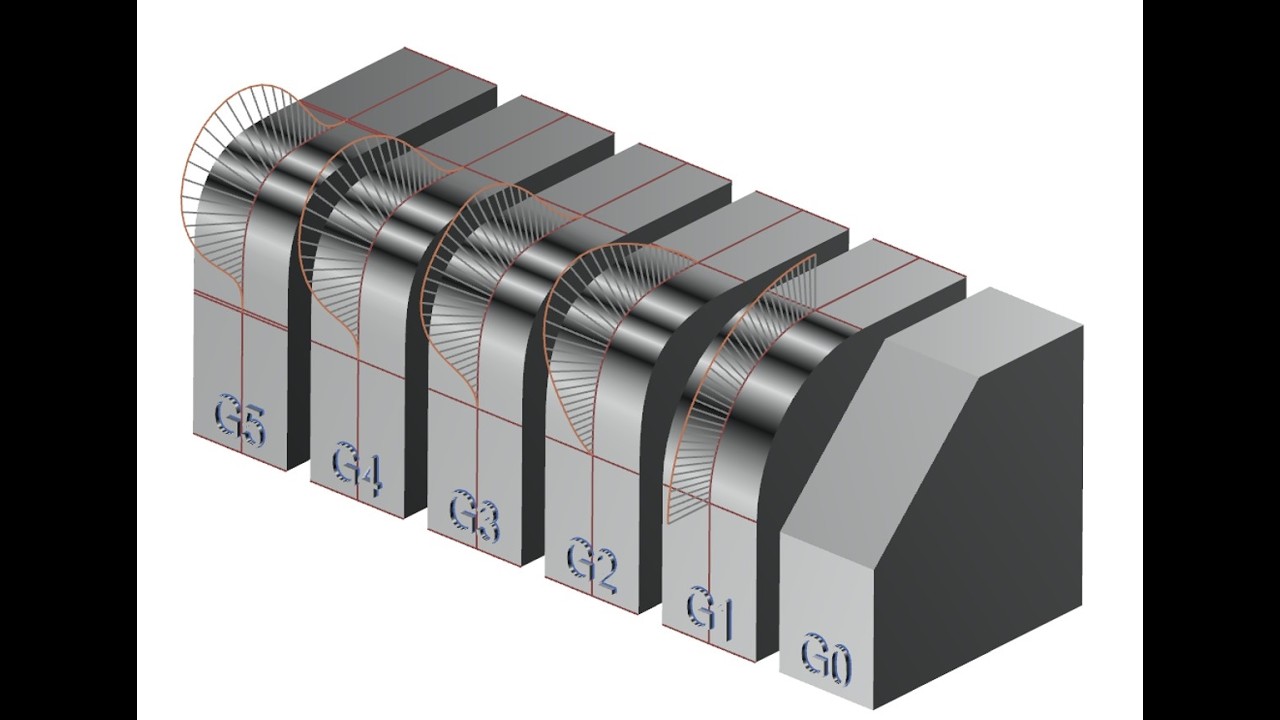
What is a Lerp? How does it help me with industrial design?
In this video we examine the definition of smoothness. We examine the creation of a lerp and in so doing gain an understanding of how studio splines by poles work. It's very cool.
Mar 30

The key (cap) to success
Simple yet powerful techniques are used to make a generic key cap that can be changed very rapidly. The fully parametric paradigm is augmented with PMI.
Mar 29

How to create a very nice vase model
We use the offset curve function and the "swept" command to create a very nice vase model.
Mar 28

Fun with isoparametric curve and blend curve on surface
In this video we explore the isoparametric curve and blend curve on surface to create an amazing hatchway.
Mar 27

An interesting new ability in NX modeling "Transfer Voids"
A powerful new tool has been added to the latest version of NX. Check out Transfer Voids
Mar 26

Wholly mackerel the amazing use of AI, NX and 3D printing
The use of AI in conjunction with NX and 3D printing yields an amazing result
Mar 25
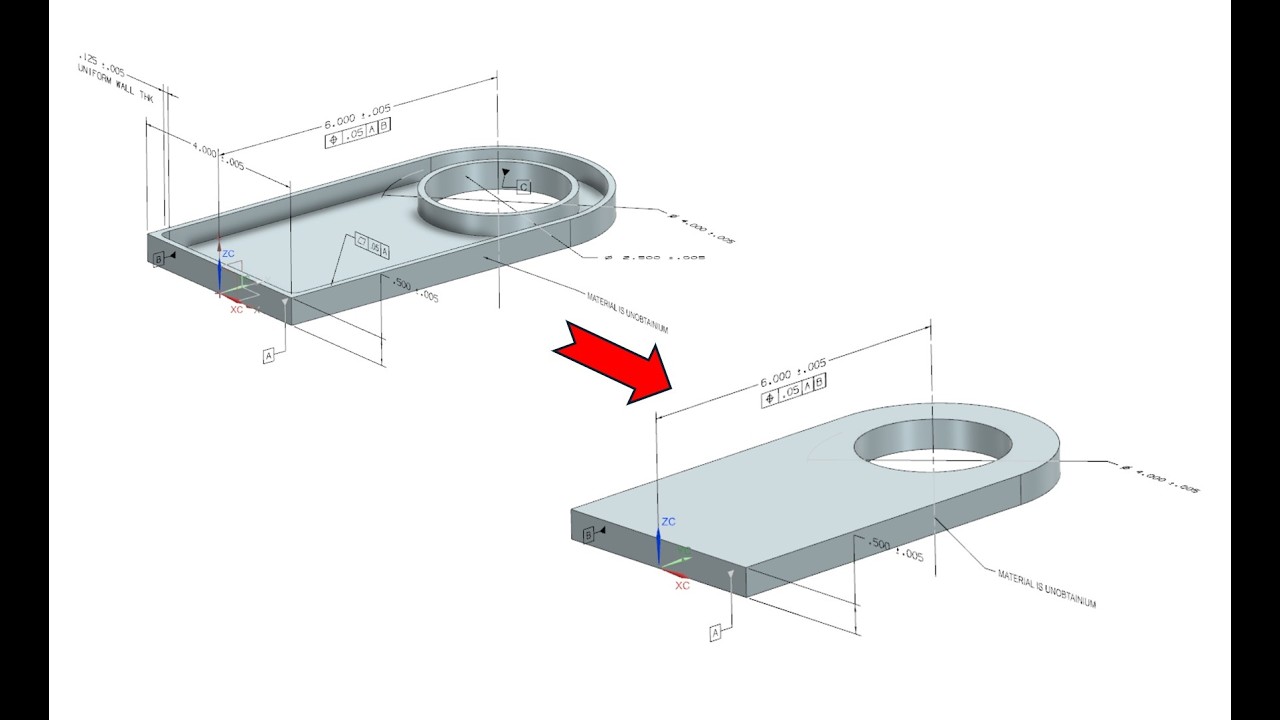
How to use the serious Wave PMI linker to emulate the manufacturing process.
We use Product Interface command along with the wave PMI linker to show how we can have tow models to emulate different phases of the manufacturing process. This is a part of Model Based Definition.
Mar 24
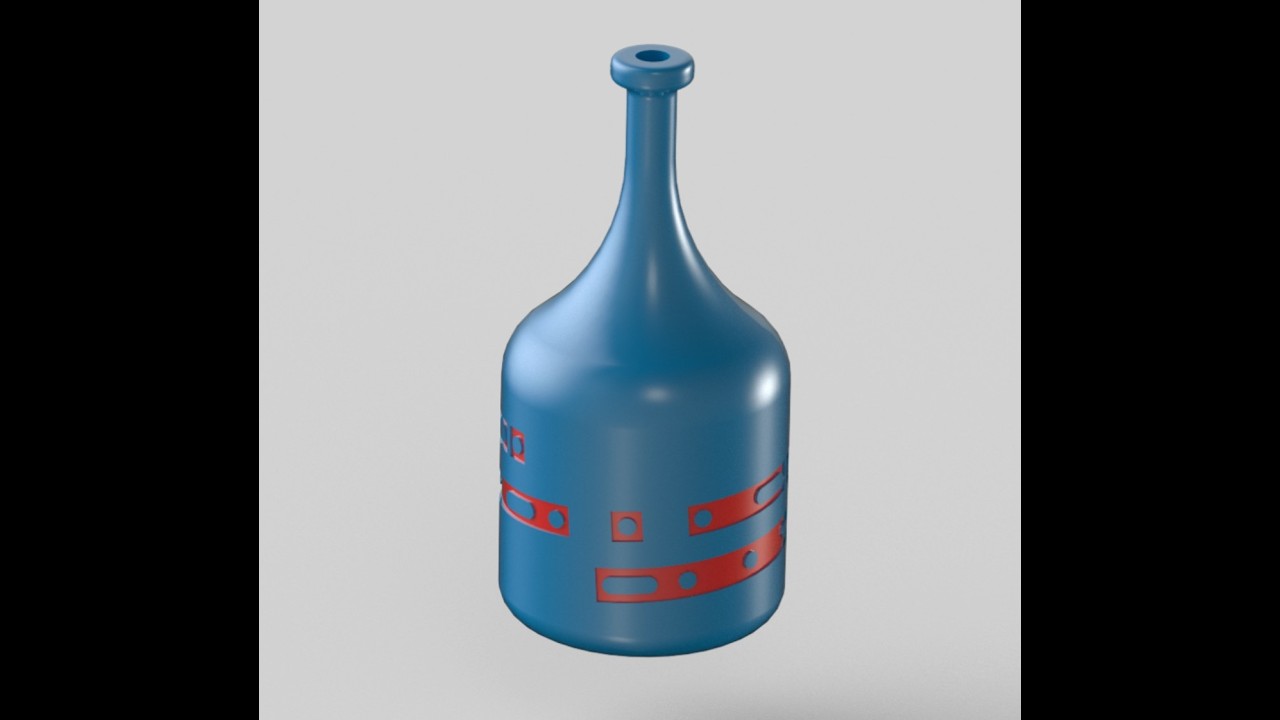
Hidden message on a bottle?
Using morse code and some powerful techniques we've hidden a message in plain sight. See if you can read it right away.
Mar 23

How to use the intersect command to create difficult geometry
This video shows how to use the law curve, extrusion, pattern geometry and intersect command to create a very satisfying piece of geometry.
Mar 22

Assembly Scope used to Manipulate Hinges
When manipulating hinges and other sub-assemblies with moving parts, one may use the move component command if the setting is on "anywhere in assembly"
Mar 21

How to create regions as part of the MBD paradigm
The Model Based Definition paradigm is helping many companies to be more profitable. This video demonstrates the process required to create regions.
Mar 20

The Wild Speed Trick Behind Big‑Planet, Small‑Sun Gear Trains
In a previous post regarding creating an epicyclic gear system using a layout a slow epicycle was created and animated. This one is faster.
Mar 19

How to create an Epicyclic gear train driven by a layout
In this video we create and animate an epicyclic gear train, then animate it. We also show you how to drive it using the product interface command.
Mar 18
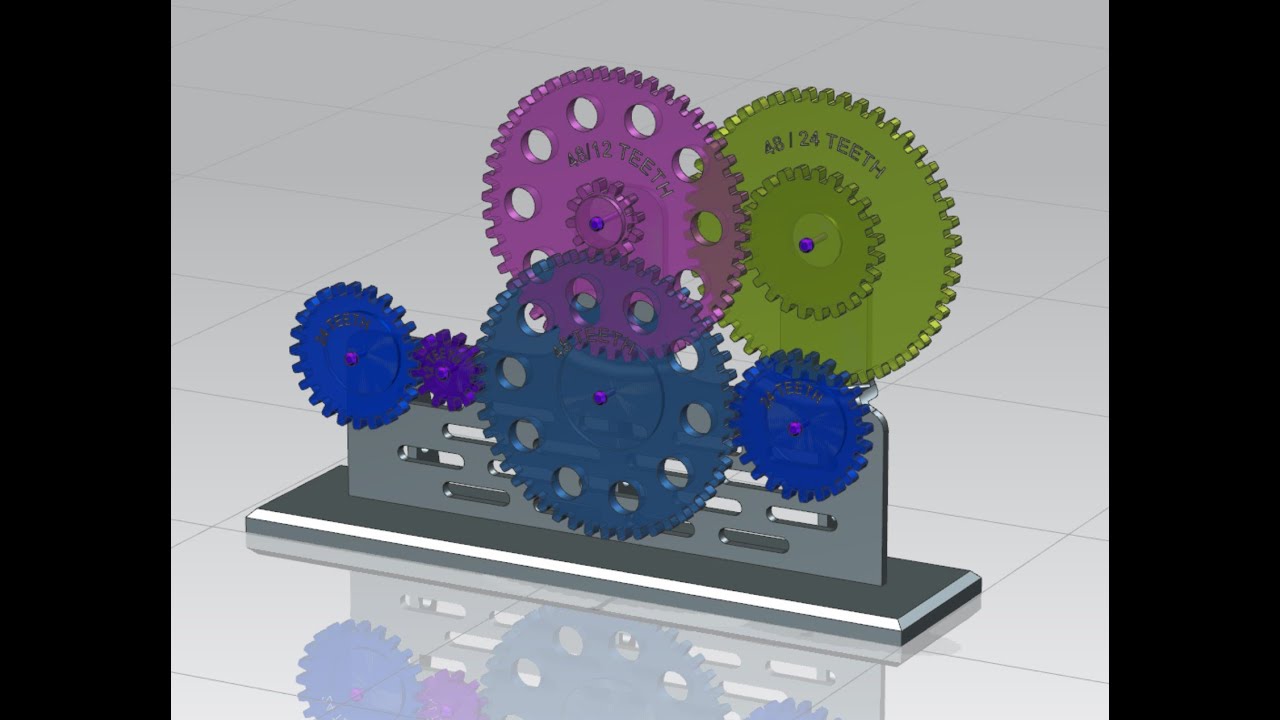
How to Gear up for Success
Using the "Animation Designer", models of gears and gear ratios can be easily modeled and analyzed.
Mar 17

How to create a parametric model of a yolk
A number of modeling commands are quilted into a technique that enables the creation of a difficult geometry.
Mar 16

How to create an arrangement in NX 2506 - "new functionality"
The "Apply to Used" command is no longer available. In order to create new arrangements in NX 2506 one must use a new technique. Please watch, like and subscribe.
Mar 15

The Assembly Cut for a Large Ring Assembly
The assembly cut feature in Siemens NX allows you to manipulate geometry in a way that affects only the assembly, simplifying the process of creating cuts without altering individual components.
Mar 14

How to save tons of time with NX Assembly Component Groups
If you want to save a huge amount of time working on NX assemblies in NX 2506 use component groups. It enables you to open only what you need and leave the rest of the assembly unloaded. This can save hours.
Mar 13
bottom of page